Edit your reel all evening in one sentence.
Film one take on your phone. Drop it in, type “edit this reel.” It cuts the retakes, adds word-by-word captions, builds the hook and hands back a reel in your look, on your own computer. Seven days with me, one reel a day.
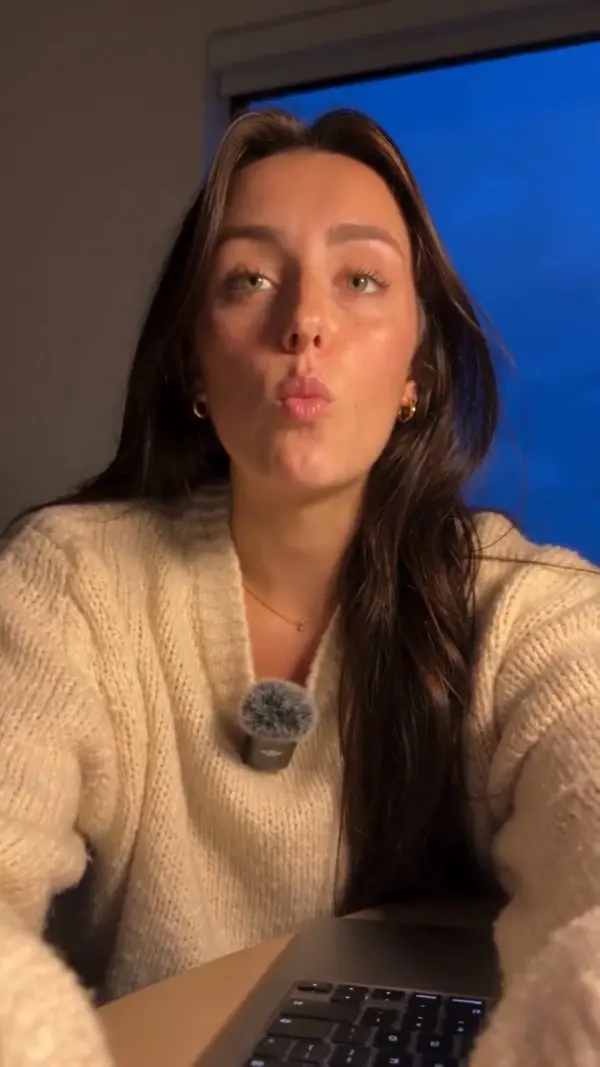
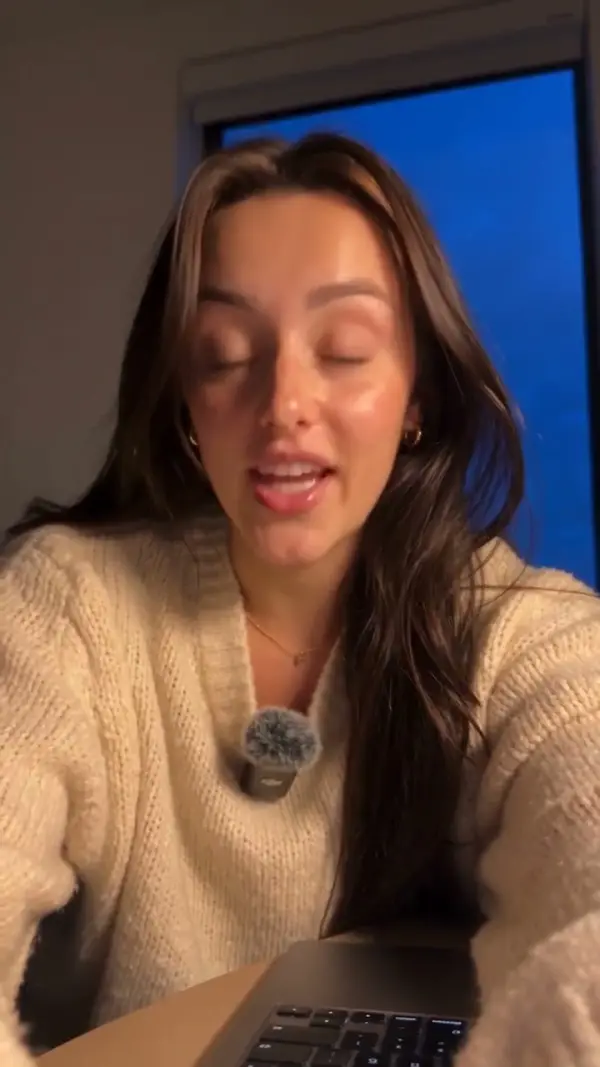
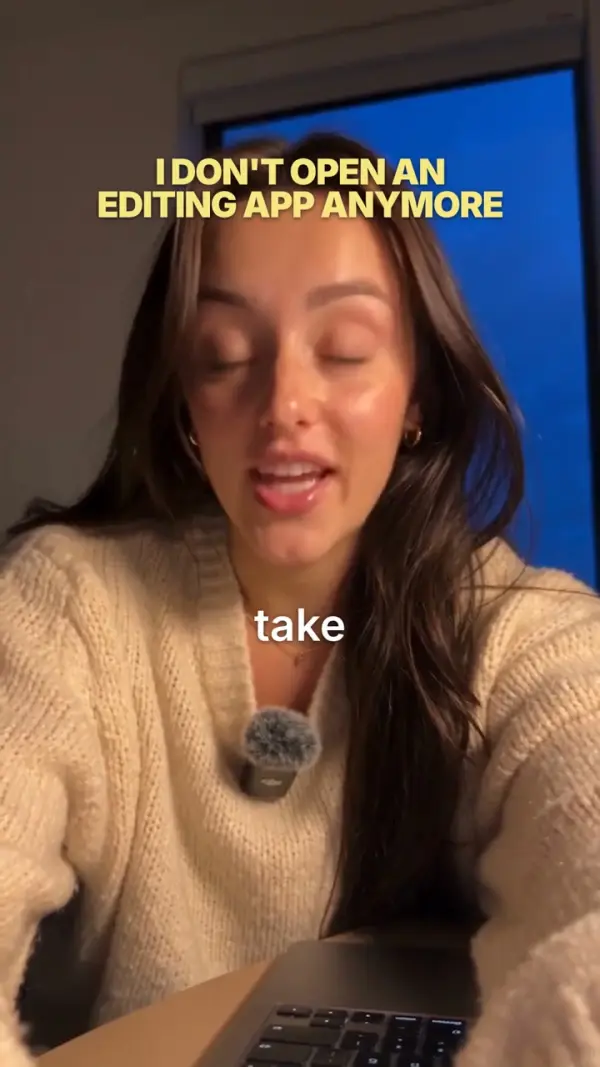
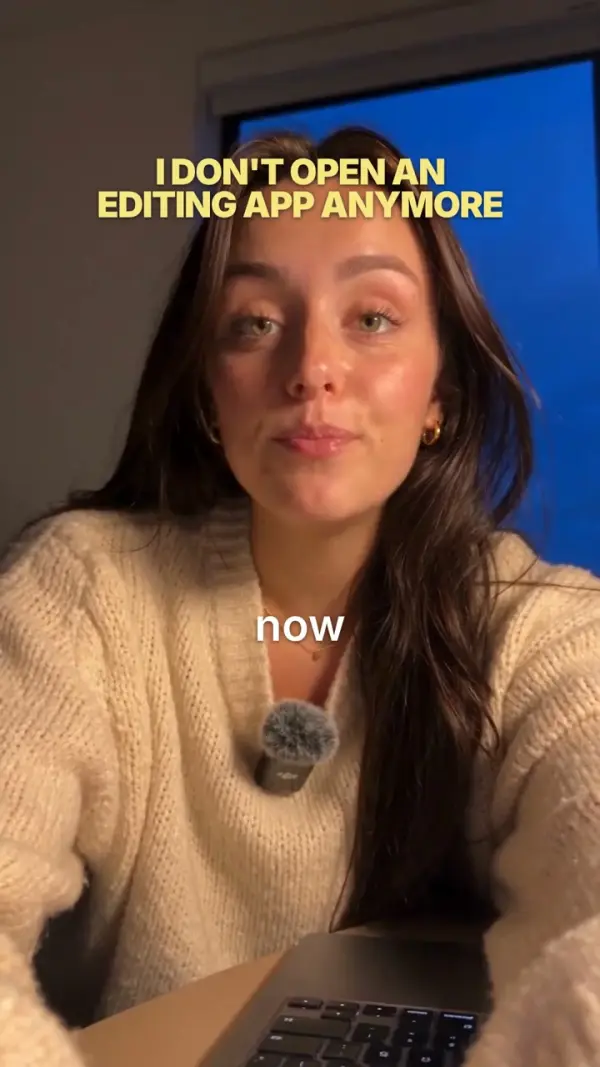
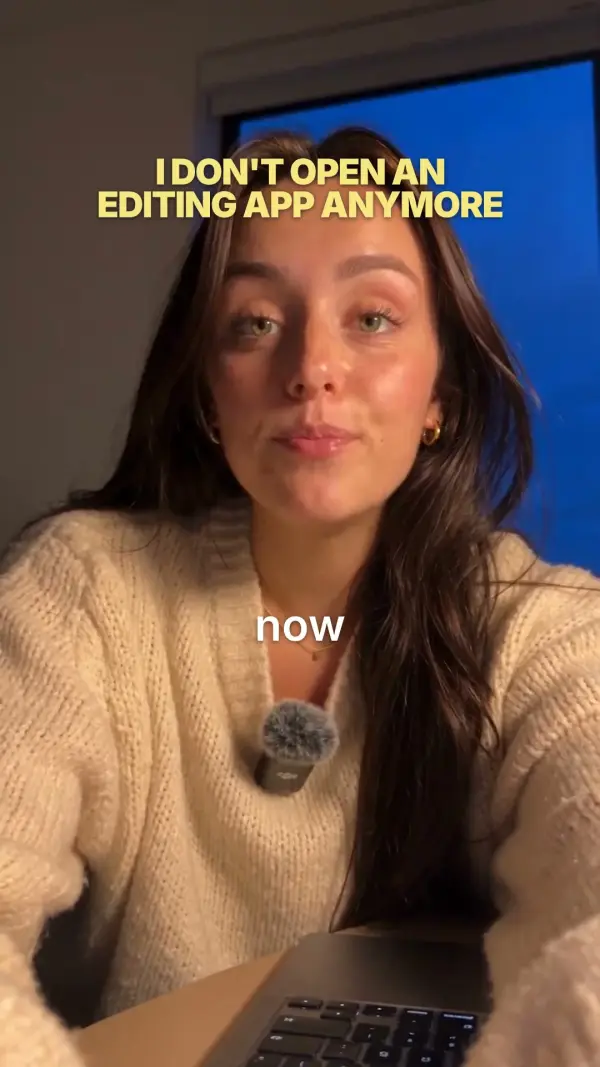
In Claude Code you type “edit this reel”. This is the finished reel that came back.
No editing app needed.
It all happens in a chat with Claude on your own computer. You say what you want, the skill edits, then it checks its own work.
edit this reel
● Bash hearing every word
✓ desk.mp4: 60.1 s, 143 words
✻ Got it. I'll cut it, caption it and add a hook, then show you before anything is final.
- Clip
- desk.mp4
- Length
- 60.1 s
- Shape
- 9:16
✓ 1 false start and 2 retakes cut
✓ a stutter, 3 “okay”s and a “so” cut
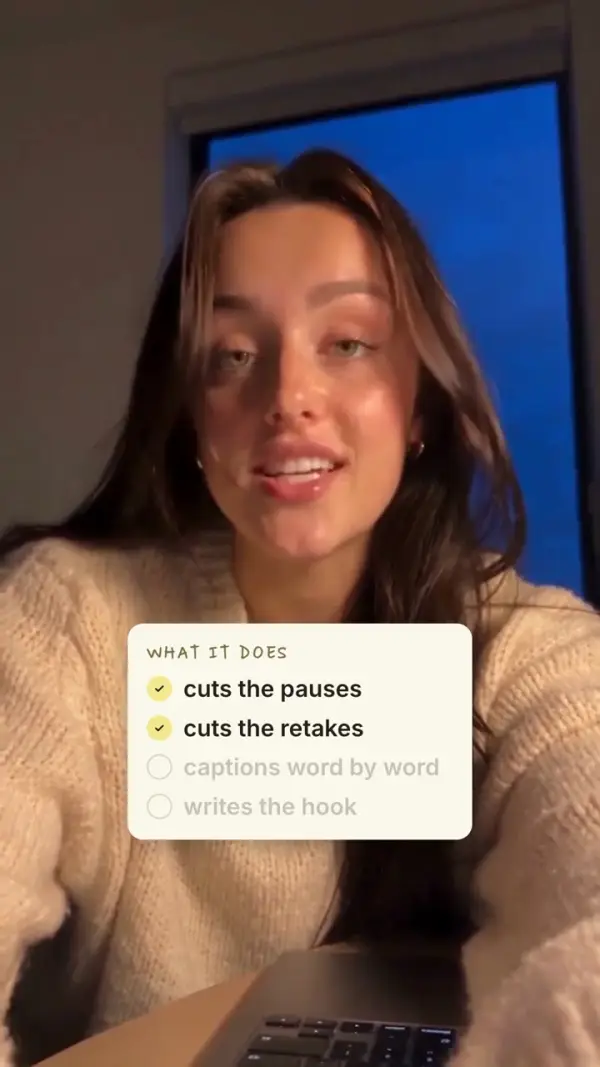
✓ 25 pauses closed (25.7 s of quiet)
✓ Length: 60.1 s -> 31.2 s
✻ You said “a lot of you asked how I edit my reels” twice, so I kept the second one.
- Before
- 60.1 s
- After
- 31.2 s
- Cut
- 30 words
✓ pack: Honey, your default
✓ 114 words, captioned as you say them
✓ 6 accent words picked
✻ “Claude”, “pauses”, “captions” and “style” go in the butter italic.
- Pack
- Honey
- Words
- 114
- Accents
- 6
✓ hook from your own line
✓ shown 0 to 9 s, across the top, off your face
✻ Your strongest line is the hook: “i don't open an editing app anymore”.
- Hook
- your line
- Shown
- 0 to 9 s
- Face
- kept clear
✓ 4 cards: terminal, checklist, strikes, stack
✓ 6 zoom-ins on your stressed words
✓ 4 sounds: typing, pop, double-click, pop
✻ The checklist ticks off as you say each thing it does.
- Cards
- 4
- Zooms
- 6
- Sounds
- 4
● Bash render, then the QA check
✓ desk-reel.mp4: 31.2 s, 1080x1920
✓ QA: 5 pass, 0 fail
✻ Done. It's next to the original. Want a different hook or pack?
- Reel
- 31.2 s
- Size
- 1080x1920
- Next
- trial reels?
Step 01 of 06
Drop in your clip, type one line.
No timeline, no export settings. One sentence in Claude Code.
Step 02 of 06
The rough cut: retakes and pauses out.
It hears every word you said and keeps your best take.
Step 03 of 06
Captions, one word at a time.
Your pack's fonts. The words that matter land in the italic.
Step 04 of 06
The hook from your own words.
Up top while you say it, clear of your face.
Step 05 of 06
Cards and zooms on the words.
Each card lands on its word, in the space this video has free.
Step 06 of 06
It checks the reel, then hands it over.
Post it, or ask for a change.
The Carousel + Stories Kit
Film once. Post it six ways.
Every reel you edit can also come out as a carousel (your hook on slide 1, one line per slide) and a story set that sends people to the reel. Same pack, no extra work.
Free with every order placed by Tue, Nov 3, 9:00 AM ET. After that it is a $27 add-on. Ends in .
psst. it comes free with your order until Tuesday at 9am ET :)
Join the challenge · $97 →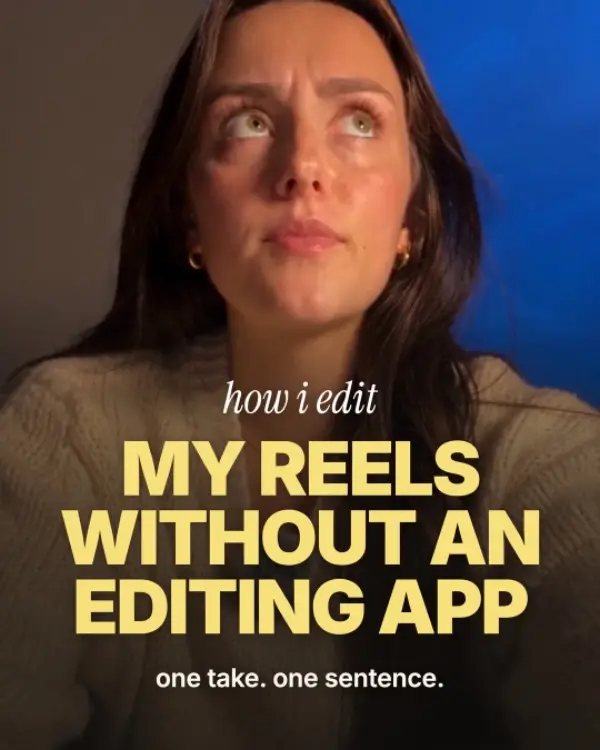
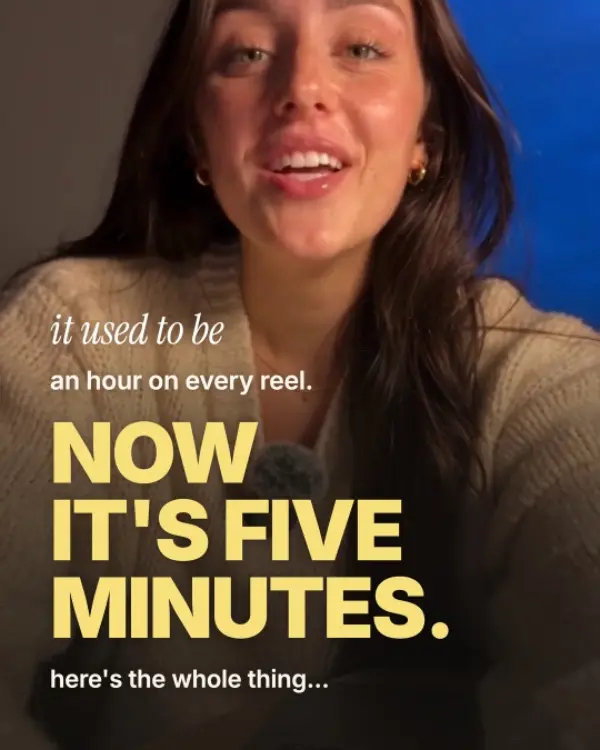
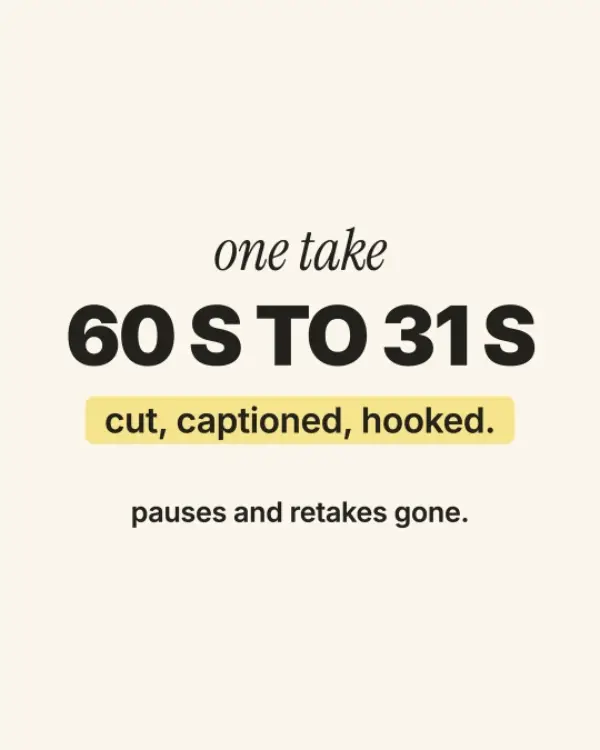
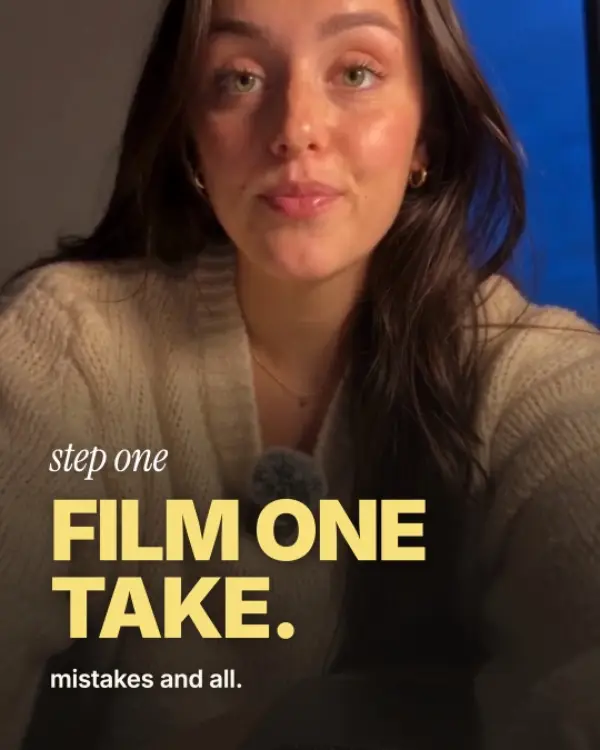
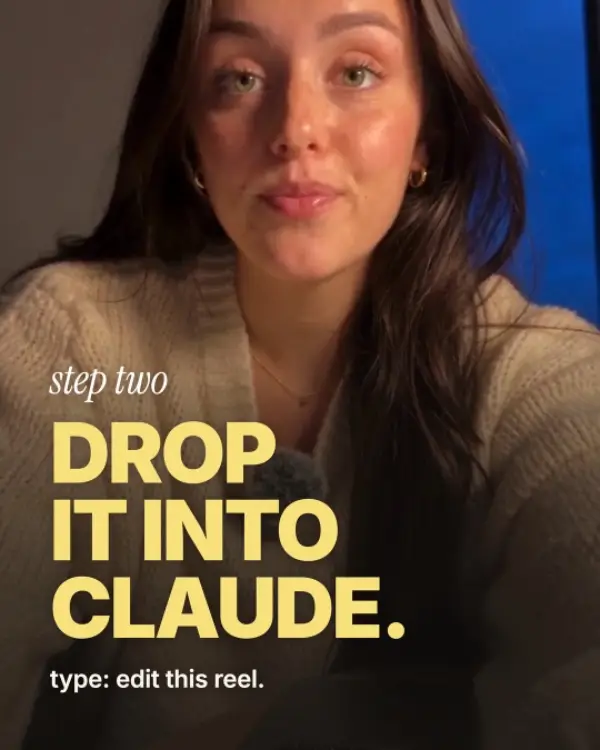
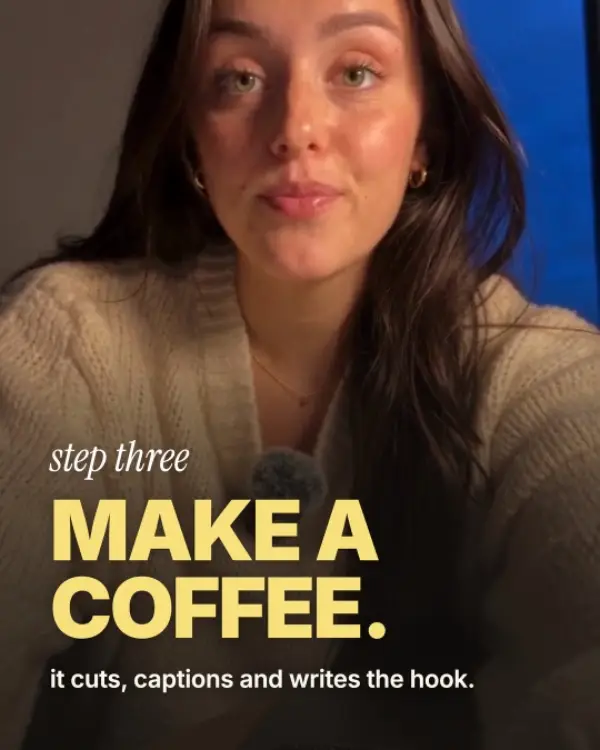

Same clip. Tap raw, then finished.
Don't take my word for it. Watch a raw take become a reel.
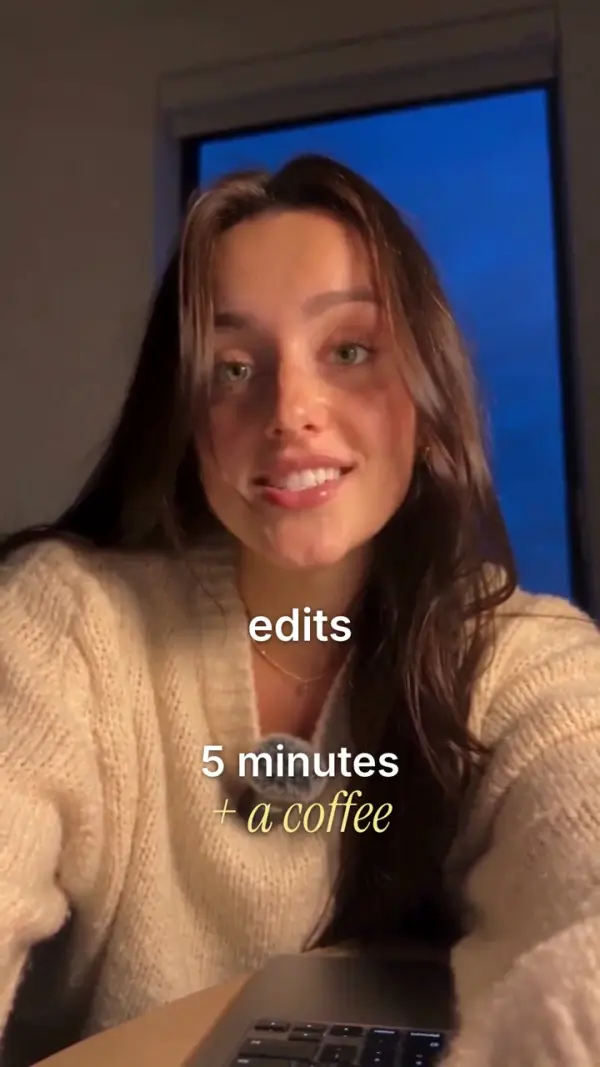
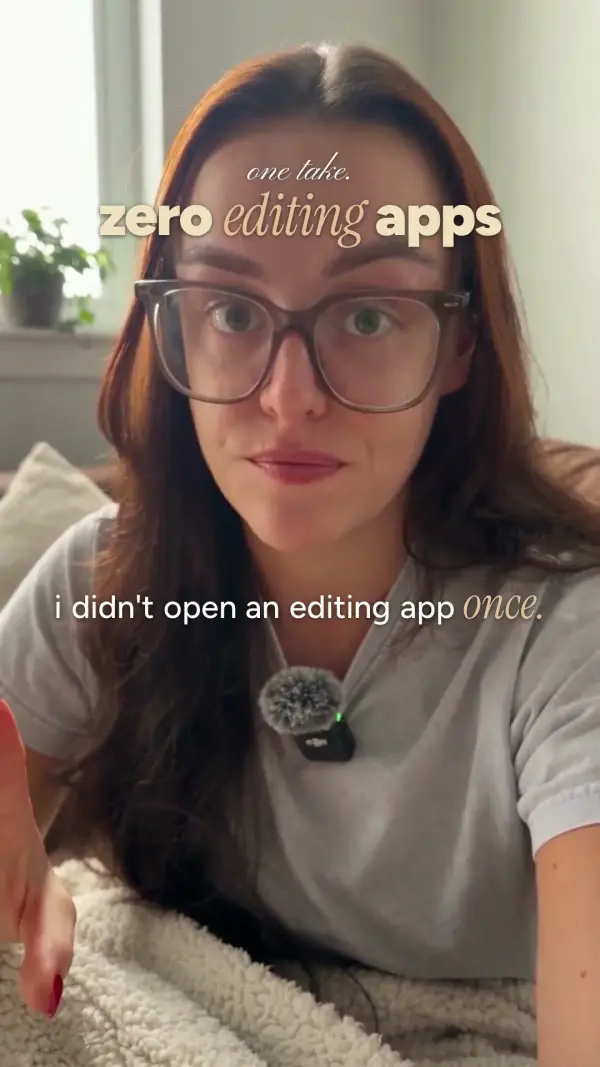
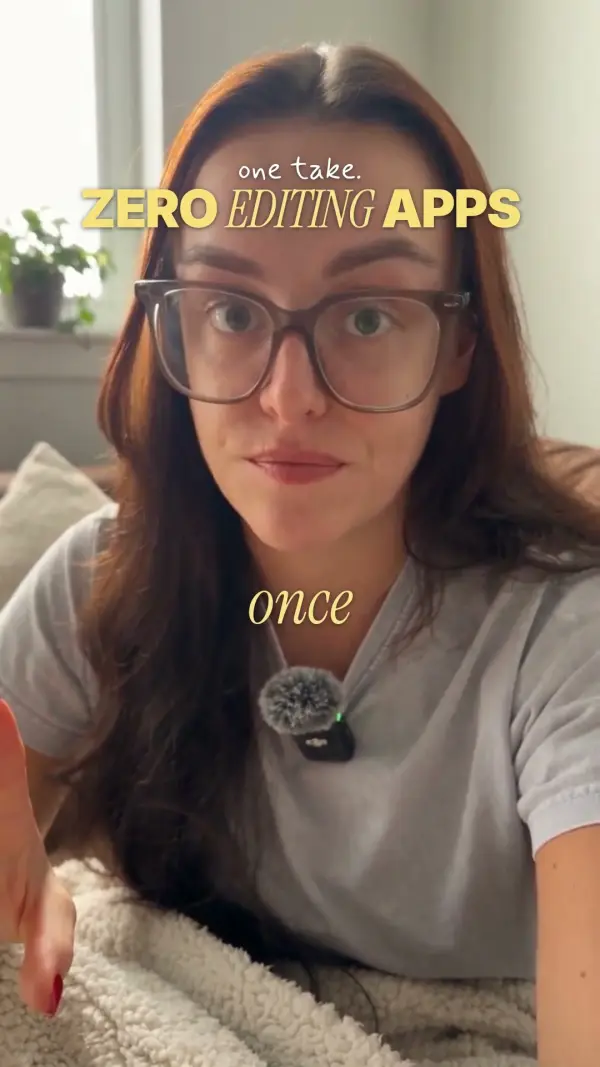
This sample is one 20-second take with a line said twice and six long pauses. It went into Claude with three words: “edit this reel.” What came back, 8.9 seconds long: the repeat cut, the pauses closed, captions one word at a time, a hook and a card. Nothing fixed by hand.
Join the challenge · $97 →3 videos. 3 stages. Fully set up in about 19 minutes.
A 3-video course in 3 stages that fully equips you. Under 20 minutes of video; Claude does the setup while you do something else. Then 20 extras to read when you need them, with the prompt ready to copy, or you just ask Claude.
- Under 20 min of video
- 3 short videos
- 20 extras to read
- Mac or Windows 10/11
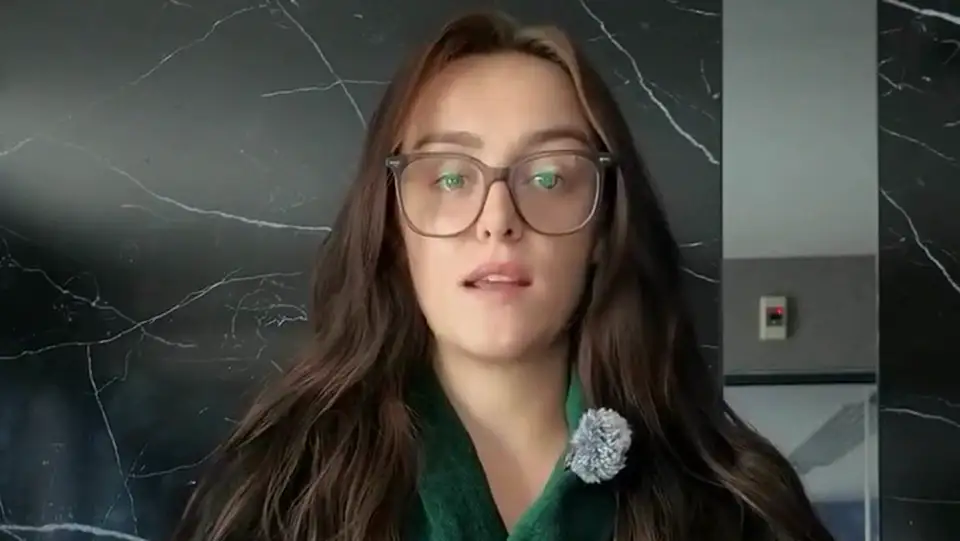
Stage 1 · 4 min video
Welcome + set up your Mac
You have a test clip on your phone and Claude says you're set up.
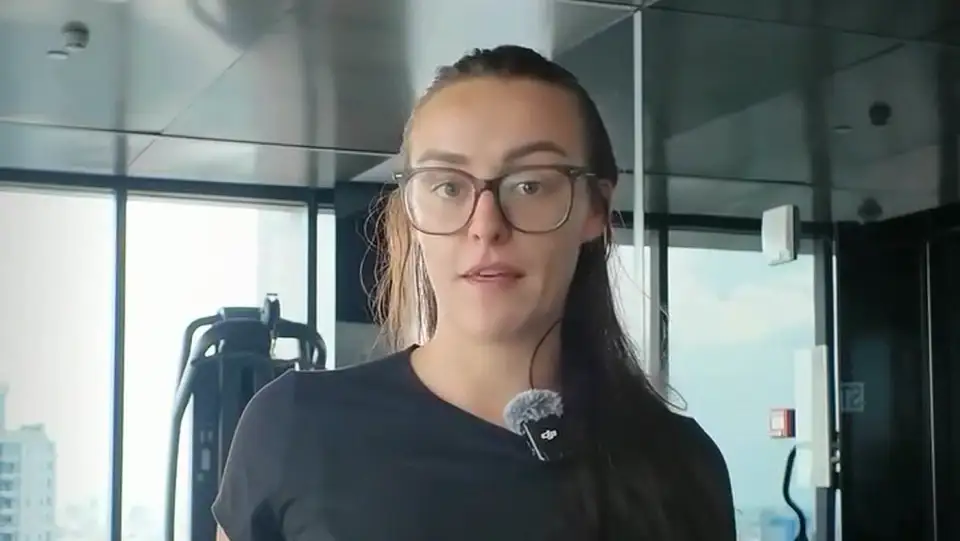
Stage 2 · 12 min video
Your first reel
You watched your first finished reel.
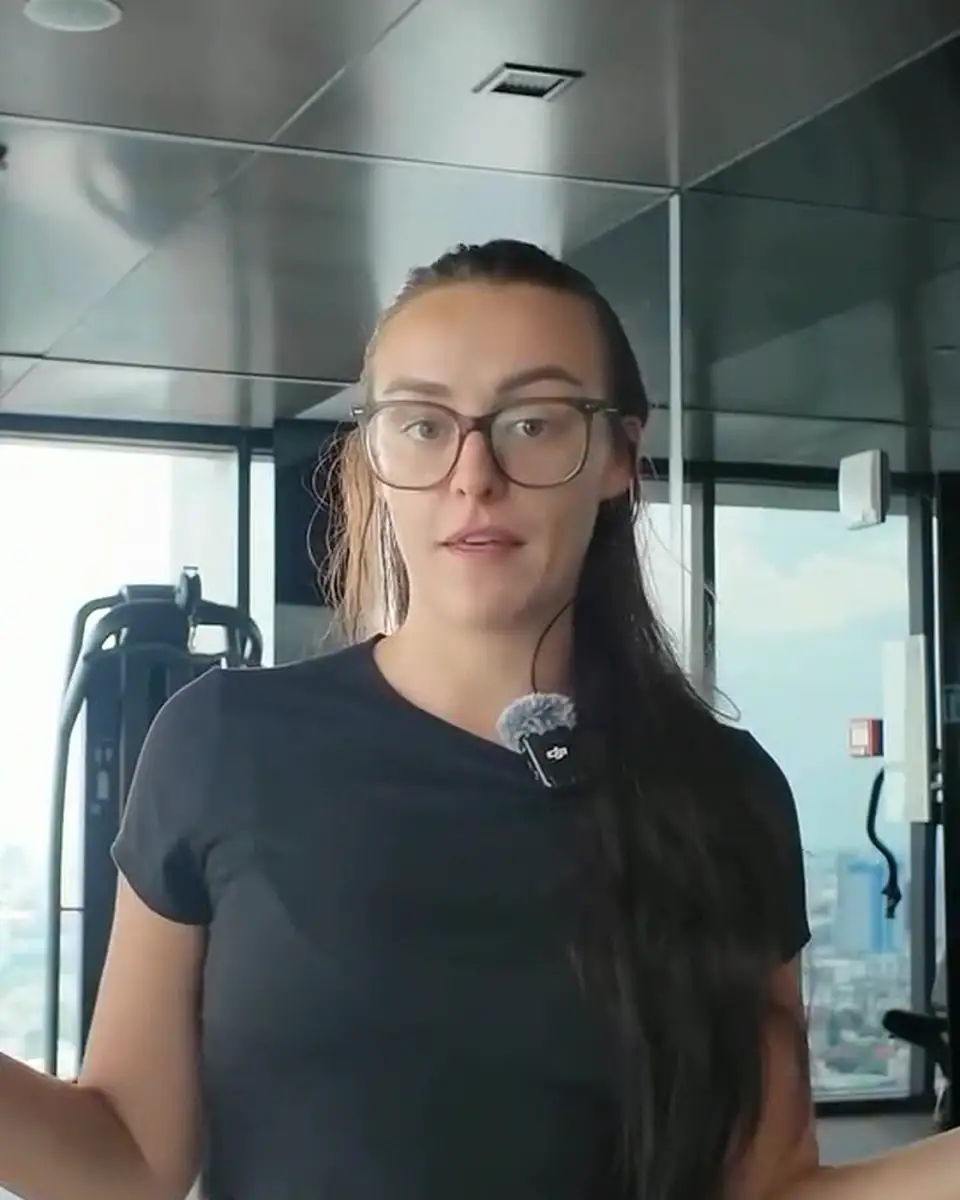
Stage 3 · 3 min video
Make it yours
Your look is the default and locked, you made trial reels, and you know your 7-day routine.
Now open · Welcome + set up your Mac · 4 min
What you need, where the AI Editing Lab folder goes, and the three words that set everything up. You do this once, on your Mac. Claude does the technical part while you do something else.
Now open · Your first reel · 12 min
Drop your test clip in the inbox, type edit this reel, and get back a reel that's cut, captioned and hooked. The whole road, once, with the clip you filmed in lesson 1.
Now open · Make it yours · 3 min
Your look saved and locked, hooks that stop the scroll, three trial reels, and the daily routine that keeps you posting.
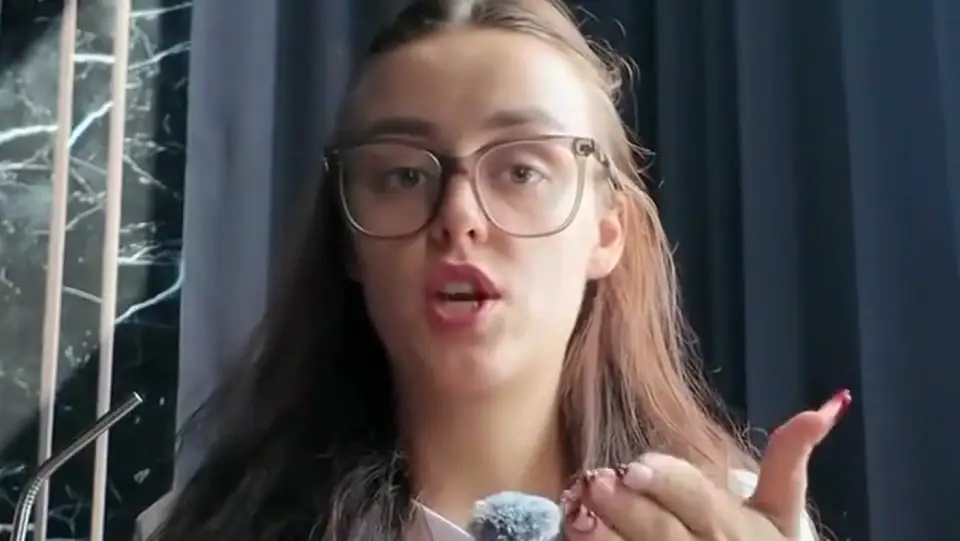
Now open · Set up on Windows 10 or 11 (written guide) · 6 min
The video course shows a Mac. On a Windows 10 or 11 PC the setup is the same idea with a few different clicks, all written here. After setup, lessons 2 and 3 work the same on Windows.
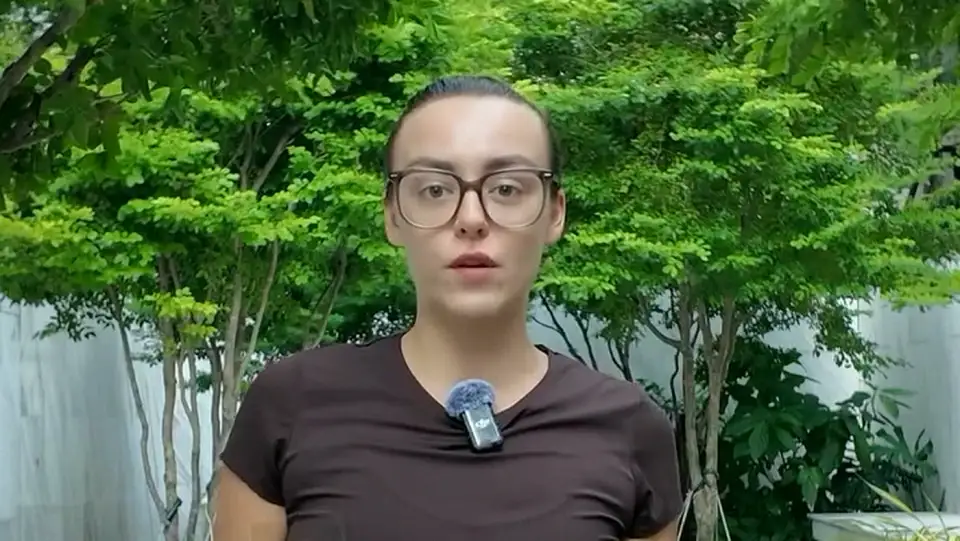
Now open · B-roll reels · 3 min
A batch of text-over-b-roll reels from footage you already have. No talking to camera.
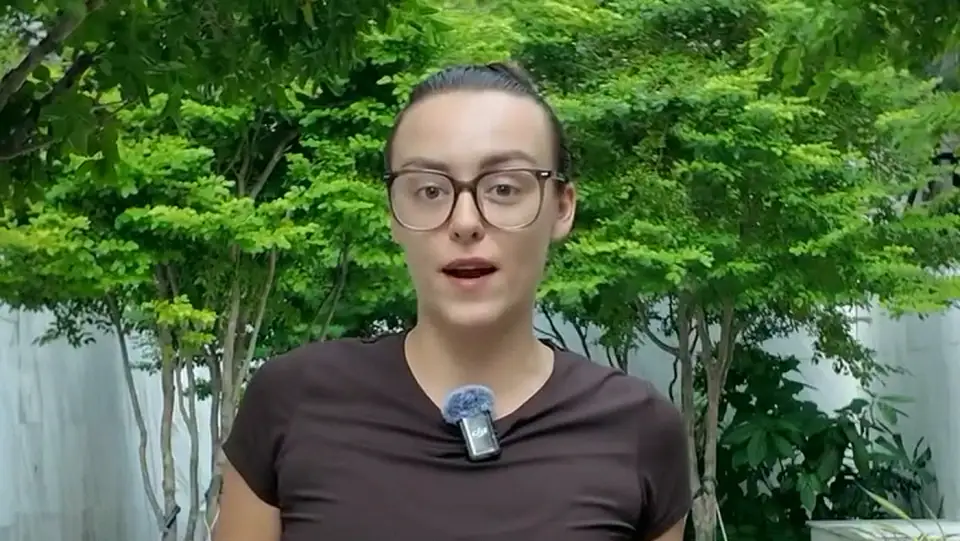
Now open · Voiceover reels · 3 min
Your voice over your own b-roll, cut to the rhythm of what you say.
Now open · Reels from a long video · 2 min
A Live, a podcast or a lesson already has reels in it. Claude finds them, you pick.
Now open · Animation reels · 2 min
No filming at all: your voiceover becomes designed frames and moving type in your style pack.
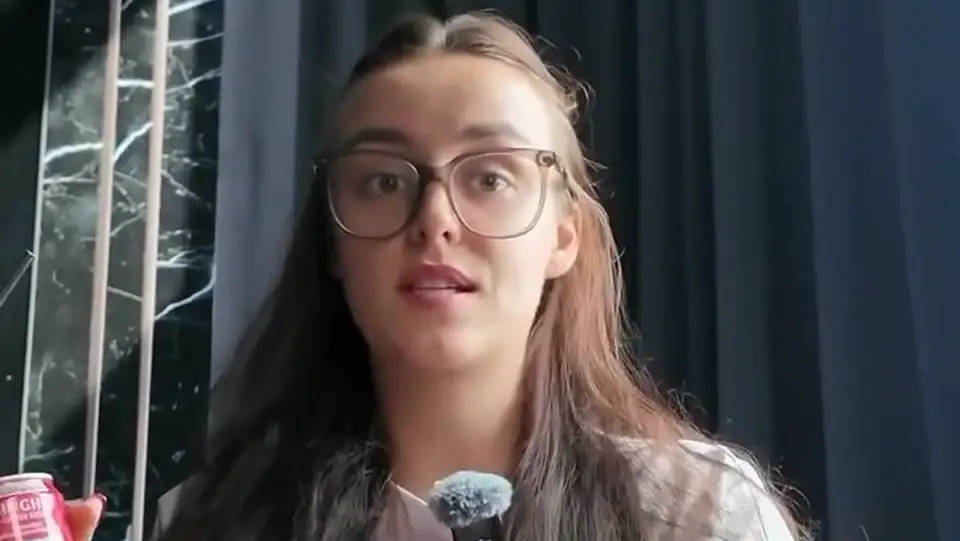
Now open · Carousels from your reels · 3 min
Part of the Carousel + Stories Kit: a reel or an idea becomes a carousel in your style pack.
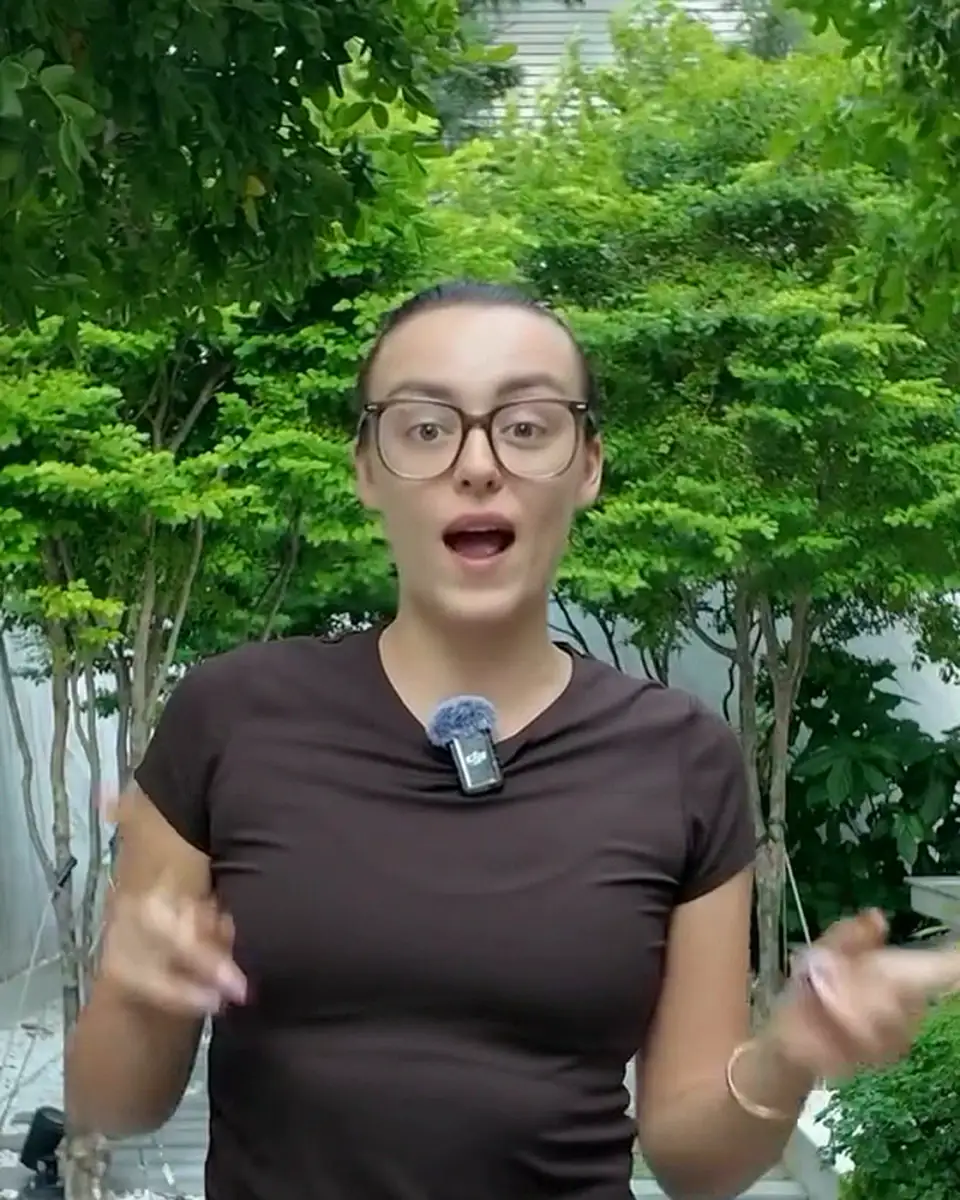
Now open · Stories from your reels · 2 min
Part of the Carousel + Stories Kit: 3 to 7 story frames that end with one ask.
Now open · The visual editor · 3 min
Your whole reel on one page in your browser, in four tabs. It's in beta, so tell Claude if anything acts up.
Now open · CapCut drafts and how done you want it · 3 min
How much Claude finishes, and how much you finish in CapCut.
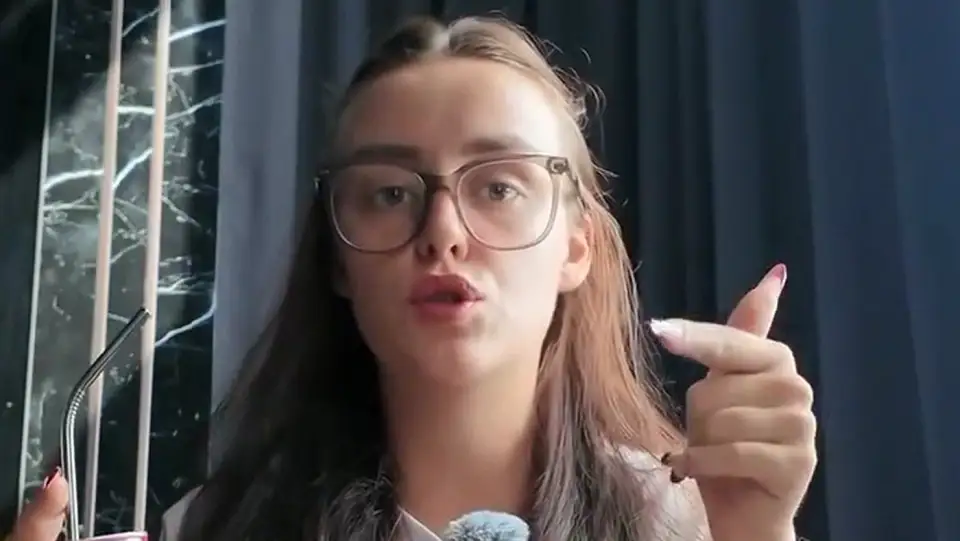
Now open · Style packs and Canva · 3 min
Build a whole look of your own: your fonts, your colors, your name on it.
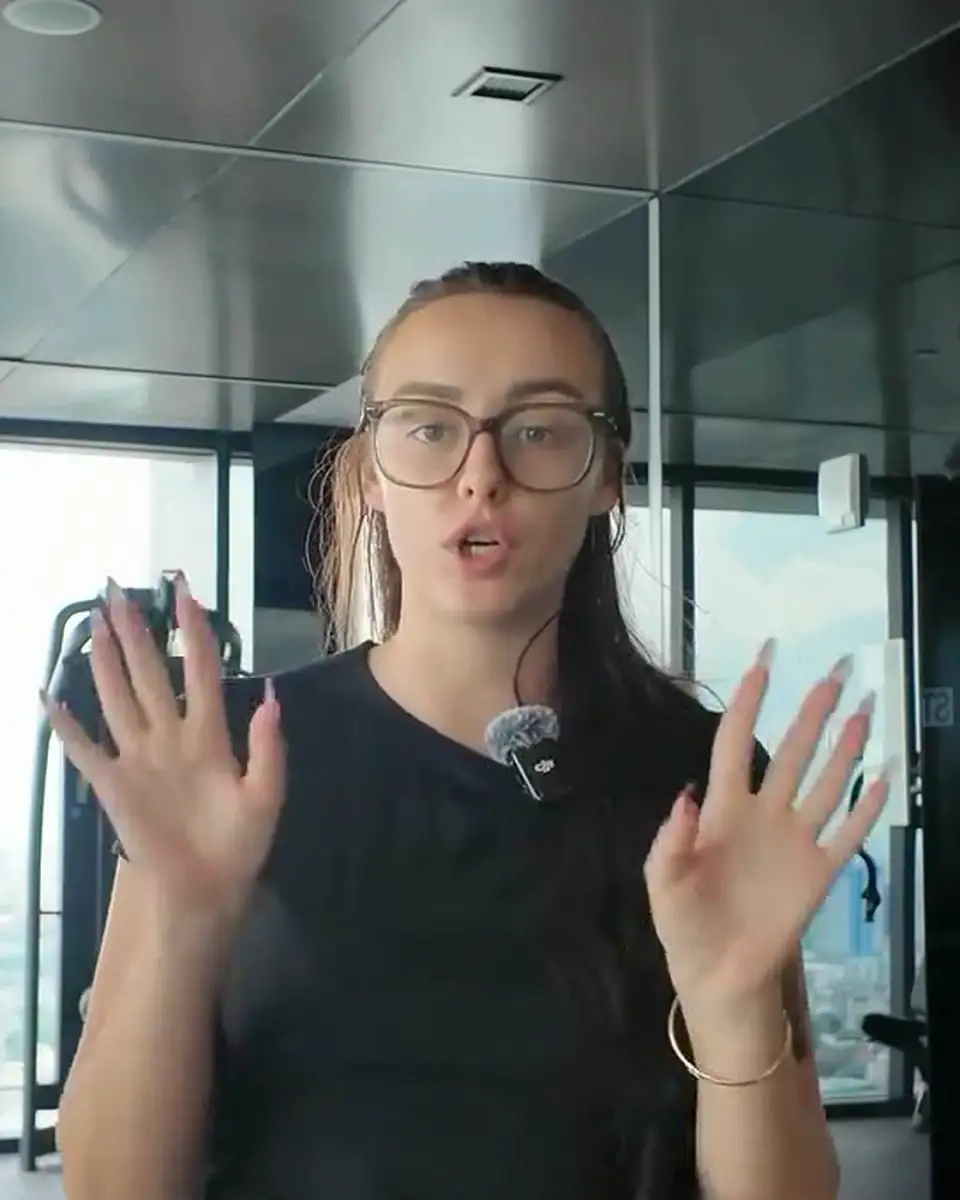
Now open · Effects library and sound effects · 3 min
Every effect and sound, playing live, with the words to ask for it. Plus how to make the sound yours.
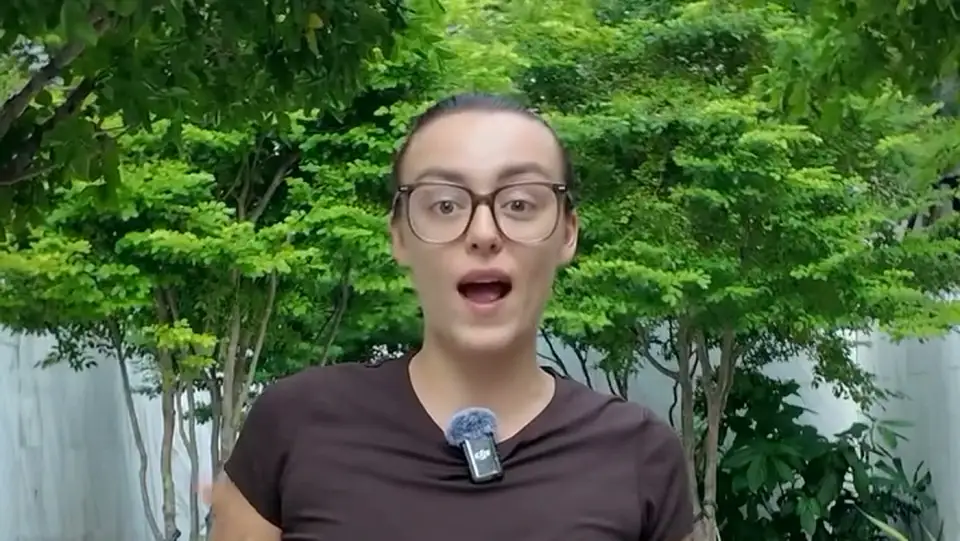
Now open · The beat sheet · 2 min
Check the design on stills before anything renders, so the full reel renders once.
Now open · Reference reels and Apify · 3 min
Paste a reel you love and Claude studies how it's edited, then brings that pacing to your own footage. This uses your own free Apify account.
Now open · Teach it your preferences · 2 min
Correct something once, and it stays corrected on every reel after.
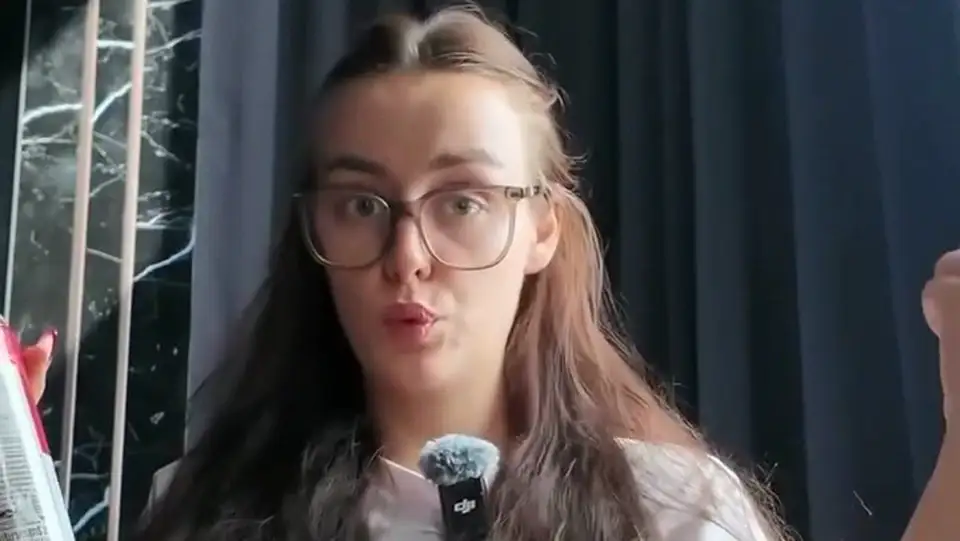
Now open · Prompt library · 3 min
Fill-in-the-blank prompts for when an edit isn't landing.
Now open · Adding your own features · 2 min
Your AI Editing Lab is plain files on your computer, and Claude can teach it new tricks.
Now open · Updates · 2 min
Updates are free, and one command installs them.
Now open · Using it with Codex · 2 min
The same folder can run in Codex in the ChatGPT app. It's a bonus as is: this course and support are built for Claude.
Now open · When something goes wrong · 2 min
Most problems are one small missing piece, and Claude can usually see it and fix it.
Now open · FAQ · 2 min
Short answers to what people ask most.
every prompt, ready to copy
What the 7 days look like.
Do stage 1 (set up) before November 9. Then each morning at 9am Eastern a new day opens: one editing skill, one reel to film with the lines to say, and the prompt to paste.
- Day 1Mon, Nov 9The clean cut. The rough cut, on your visual editor. You post: Introduce yourself in 20 seconds.
- Day 2Tue, Nov 10Captions people read. Mix caption styles on purpose. You post: The mistake you see people make in your topic, and what to do instead.
- Day 3Wed, Nov 11The 2-second hook. A hook that does a different job than your voice. You post: A myth in your topic that you used to believe.
- Day 4Thu, Nov 12Zoom rhythm. Movement and punch-ins on the lines that matter. You post: Three things you wish you had known when you started.
- Day 5Fri, Nov 13Notes and cards. Looks on the Visuals tab, each with its sound. You post: A tool, habit or routine you use every day, and how long it takes.
- Day 6Sat, Nov 14Your style, saved. Your pack, your colors, your defaults. You post: Behind the scenes.
- Day 7Sun, Nov 15One take, one prompt. Autopilot, then trial reels. You post: Your week in one reel.
Thinking “but what if…”
What if I've never opened Claude Code?
Good.
Lesson 1 is a 4-minute video: download, open the folder on your Mac, type set me up. Claude installs the rest and asks before each step. Plan on about an hour the first time, mostly Claude working while you do something else.
What if my reels don't look like this one?
They shouldn't.
Start from Honey, Linen or Pop, then make your own pack with your fonts and colours. Say it once; every reel after uses it.
What if I can't film every day?
Film on Sunday.
Three takes in one sitting, edited whenever you're ready. Every lesson stays open, so you can catch up.
What if I film in Spanish?
Sí.
Transcription works in most languages. Ask for captions in a second language too, on the same reel.
What if I'm on Windows?
It runs there.
The videos show a Mac, and Windows 10 and 11 get a written setup guide, step by step. After setup everything works the same. Not on Windows on Arm laptops.
What if I already pay an editor?
Keep them.
Hand them the big videos. Let the skill do the daily reels, the trial versions and the carousel from each one.
A copied prompt edits one video. A skill that knows your look edits all of them.
It runs on your computer and stays yours. No monthly fee from us; you only need your own Claude plan.
Join the challenge · $97 →rooting for you, Cristina
Six ways to post.
Talking reels are where it shines. The other five use the same packs. Tap a reel to hear it.
Editing takes longer than filming? This is for you.
sound familiar?
- You film, then the clip sits in your camera roll for a week because editing feels like a second job.
- You've opened CapCut, dragged a caption for 20 minutes, and closed it.
- You pay an editor, or you've thought about it, and the turnaround kills the timing.
- You know reels work. You just can't make one a day.
What you need to run it
You edit on your computer, not your phone. Mac (video course) or Windows 10/11 (written guide).
macOS 13 or newer (video course), or Windows 10/11 on Intel or AMD (written guide). Editing runs on your computer.
Pro or above, paid to Anthropic (about $20 a month). Not included.
To film. A tripod or a stack of books is plenty.
Film, one prompt, post. The first one is the slowest.
The editing runs on your own computer with free tools (ffmpeg and a transcriber) that Claude installs with your OK. The video course shows a Mac; Windows 10 and 11 PCs (Intel or AMD) get a written setup guide. Chromebooks, iPads, phones and Windows on Arm laptops are not supported.
You just tell it what you want.
In plain words, the way you would text a friend who edits.
Every reel here started as one raw clip.
So many different styles of content.
Same clip, same prompt, a different look each time. Here are my three favourites, and 63 more are inside. Tap one to watch it with sound.
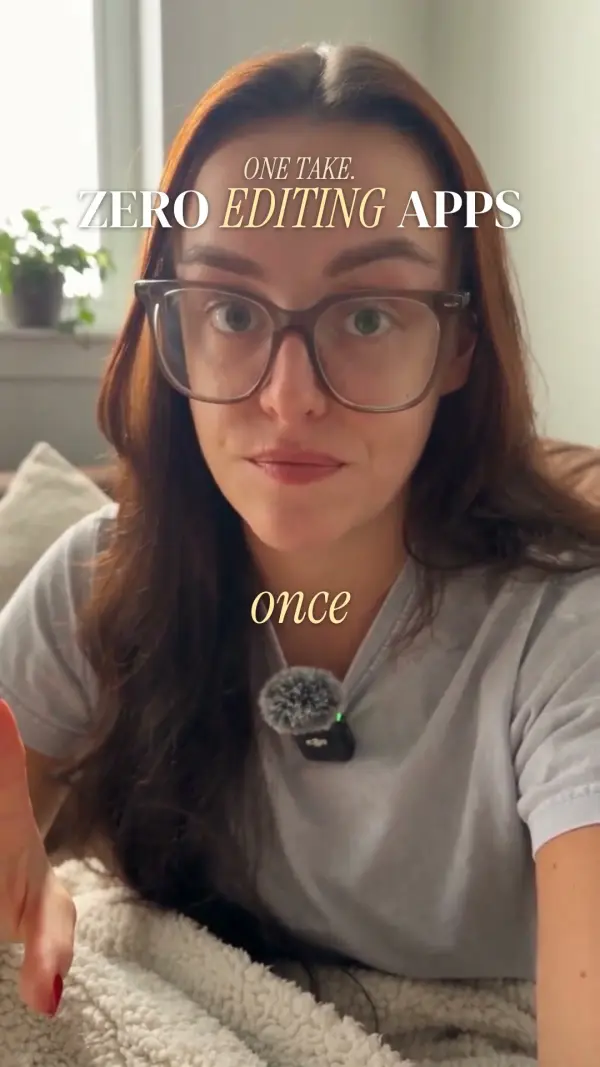
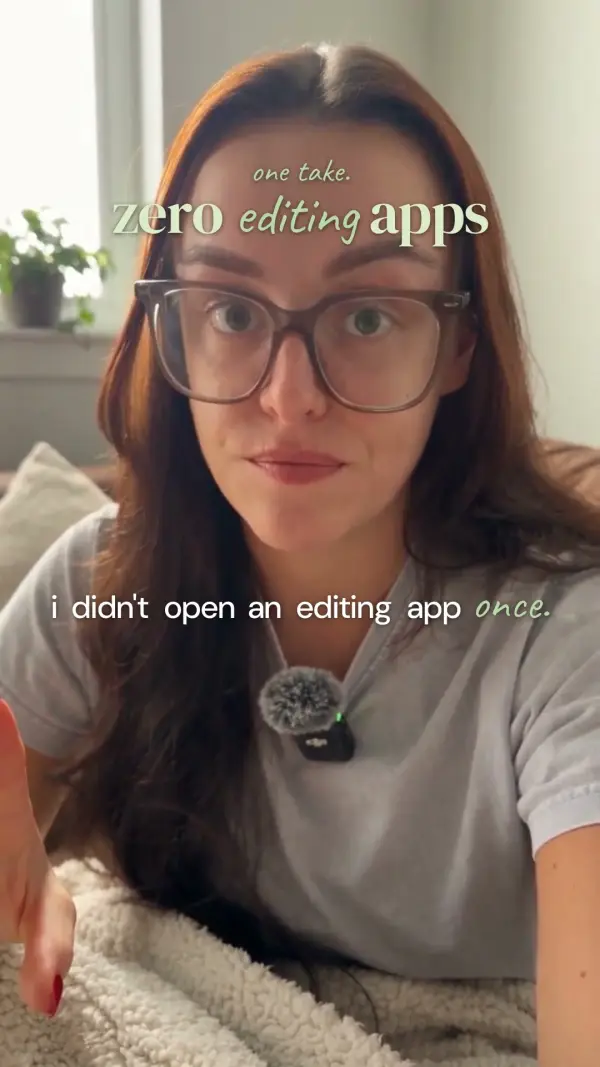
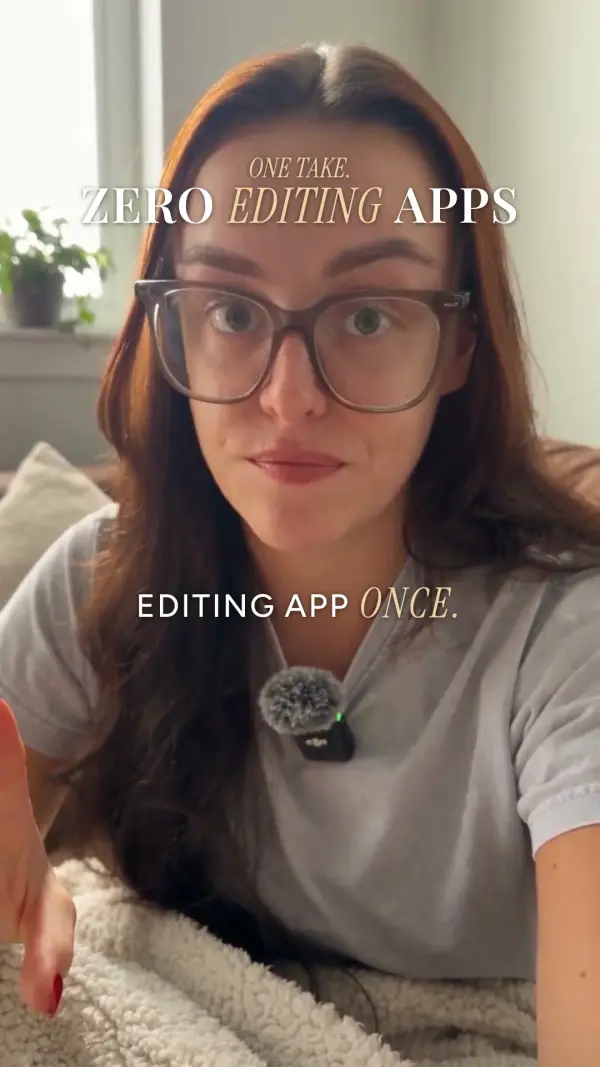
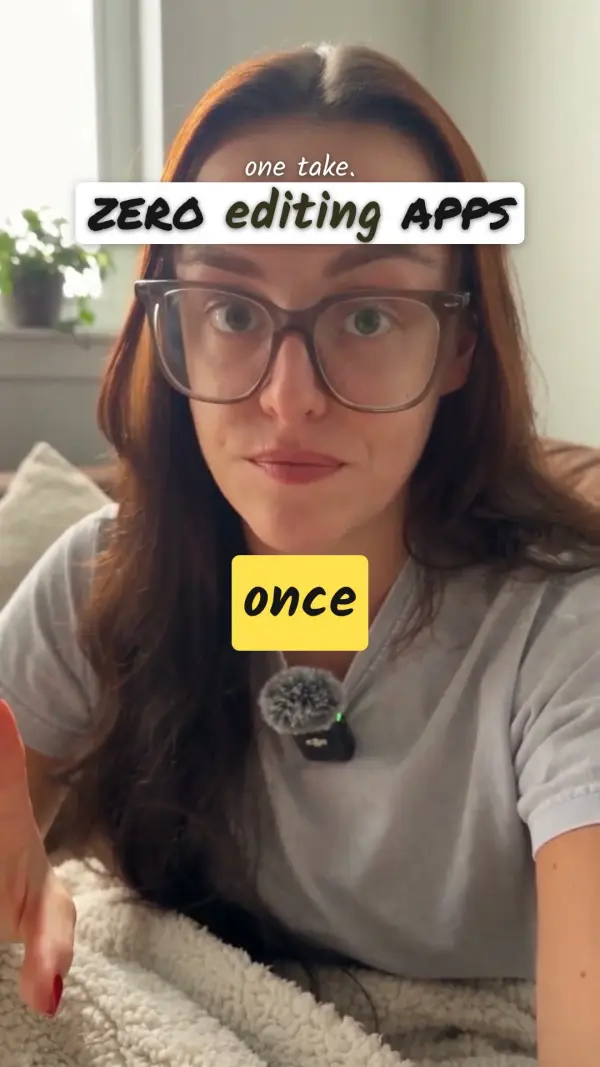
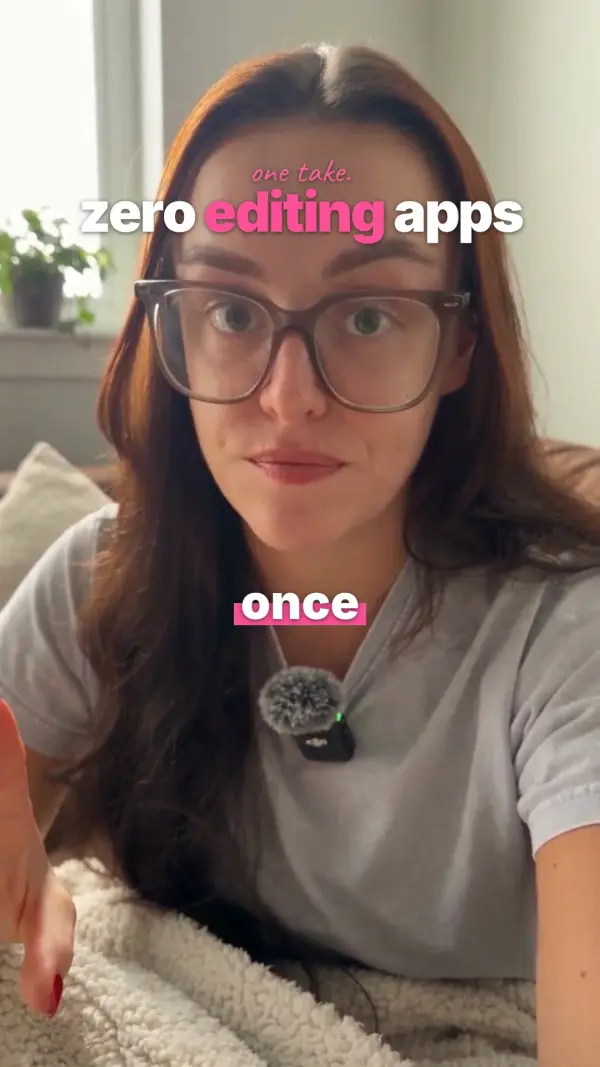
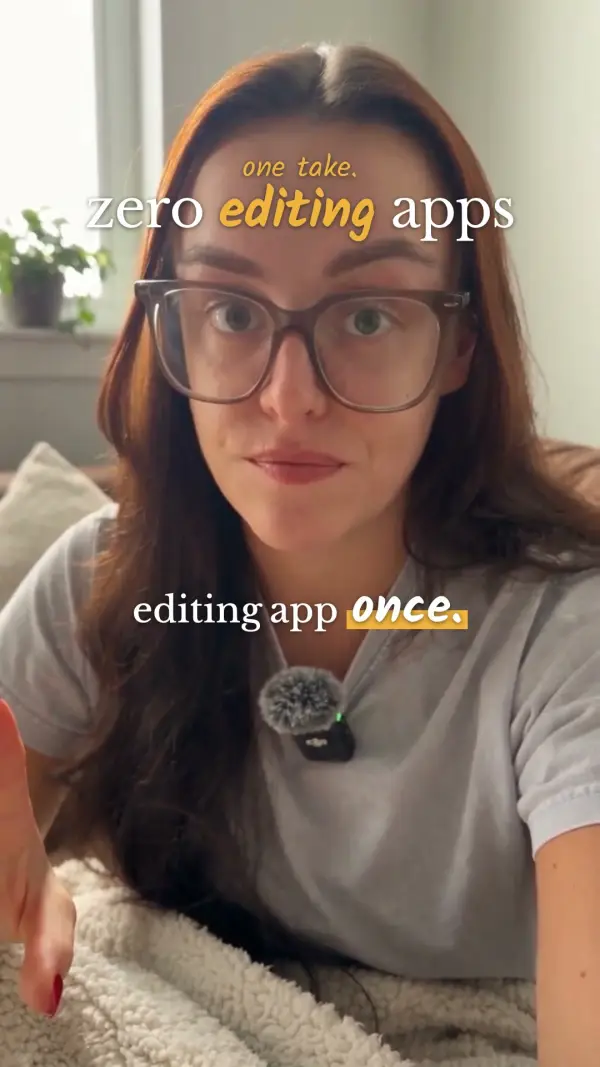
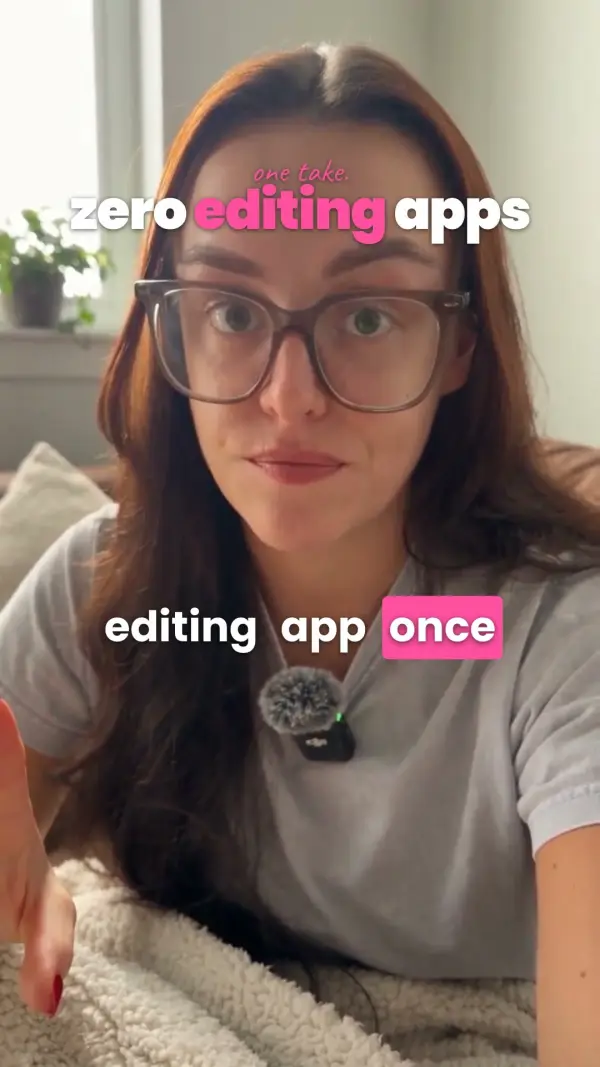
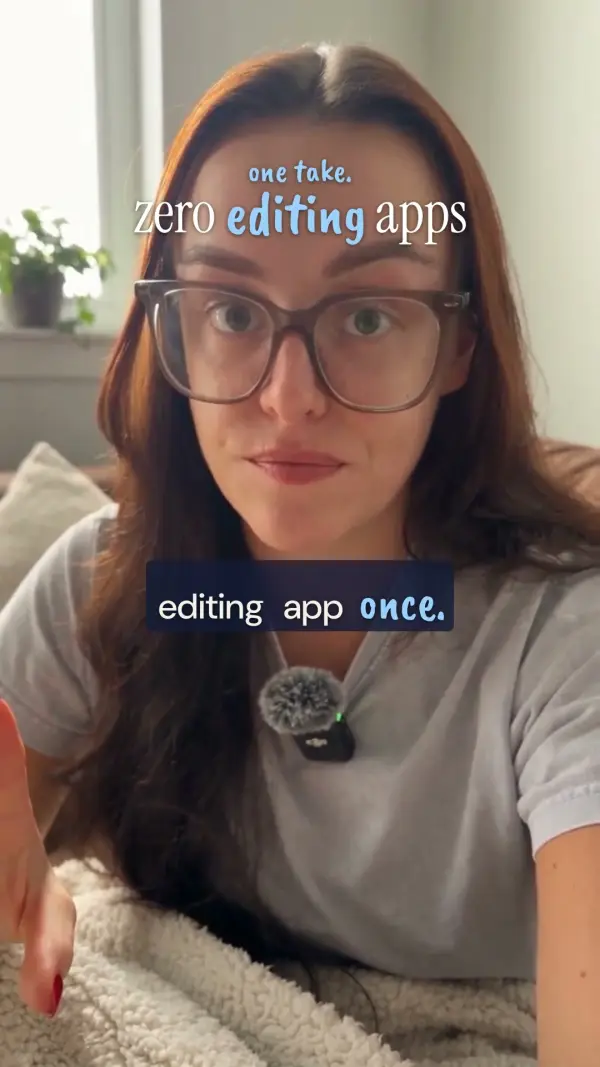
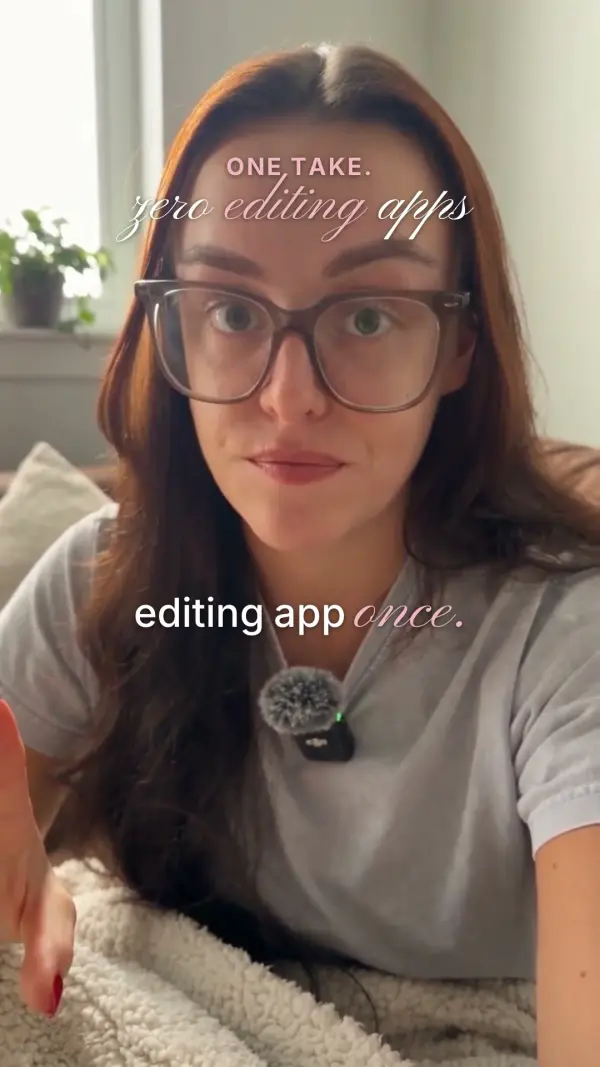
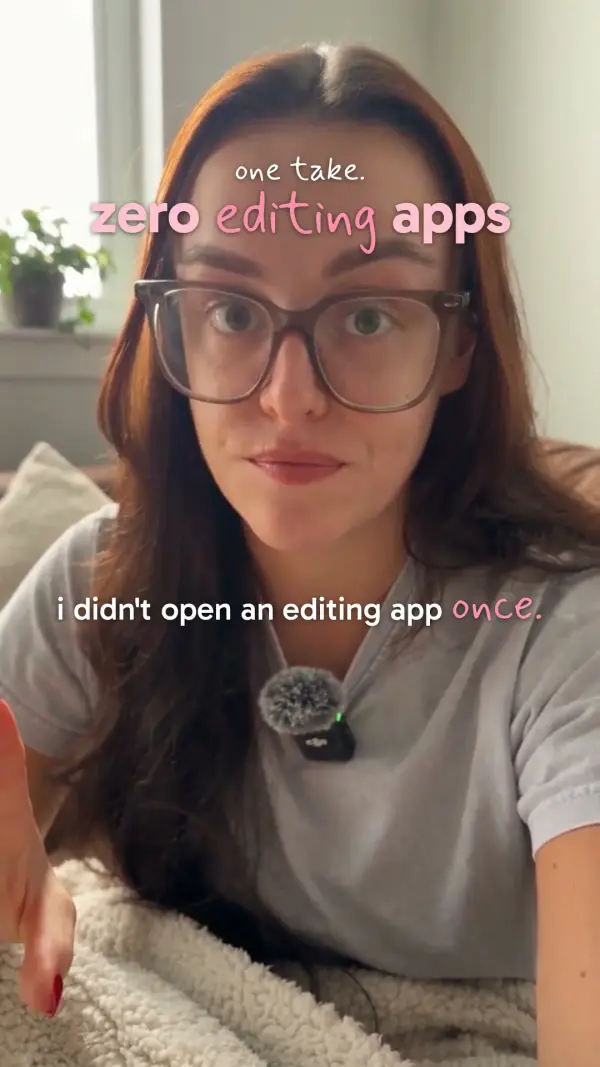
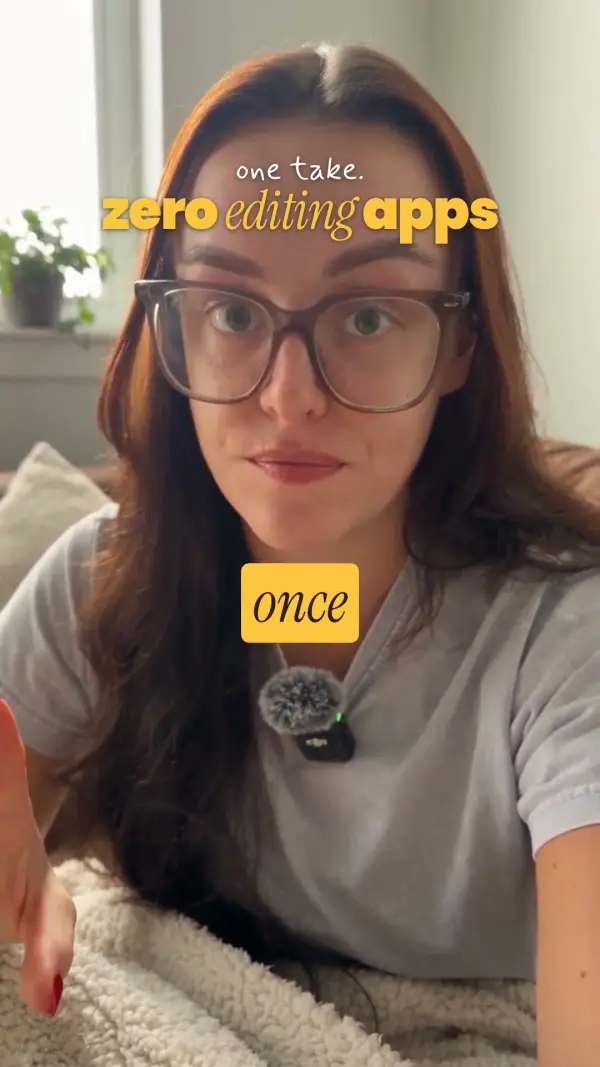
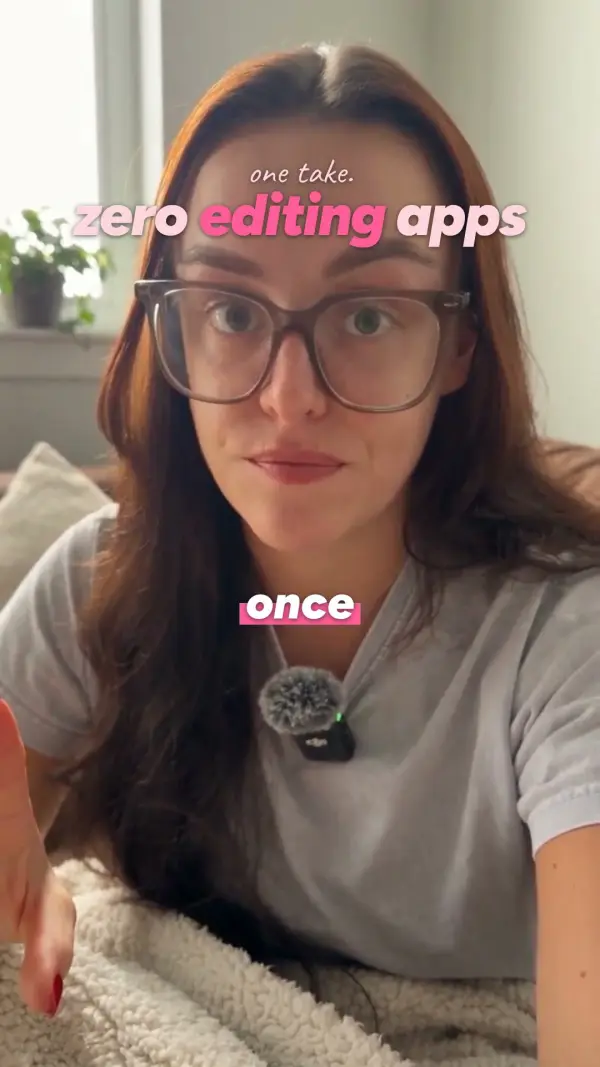
+ 63 more packs inside, from soft serif to loud caps, plus your own: your fonts and your colour, saved as the default.
Every layer, every word, editable.
A finished reel is a stack of layers, and you can change each one in plain words, or tap it in the visual editor. Nothing is baked in until you export.
- CaptionsOne word at a time, karaoke or phrases. Any word, any spelling, a different key word.
- HookYour words or five options from Claude. Move it, resize it, change when it leaves.
- Fonts and coloursSwap the pack, or keep it and change the font or the accent colour. Save it as your default.
- Cards and notesSwap, move or remove any card or handwritten note, or ask for a new one on any line.
- Zooms and cutsMore punch-ins, fewer, or none. Bring back any word that was cut.
- SoundSwap or mute any sound effect, add music under your voice, change how loud it sits.
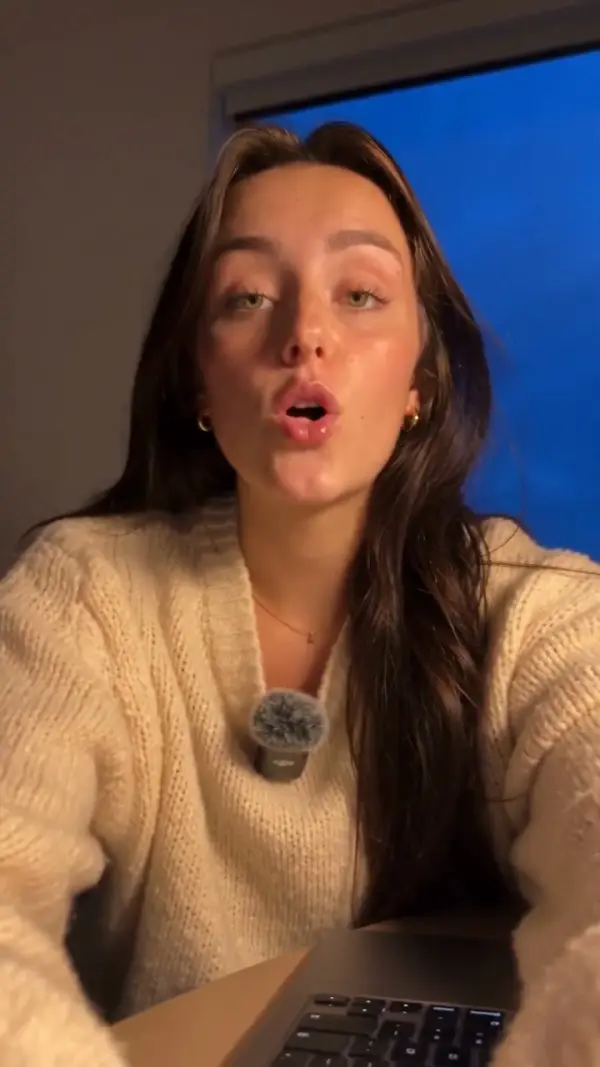
Drag the line. See the edit.
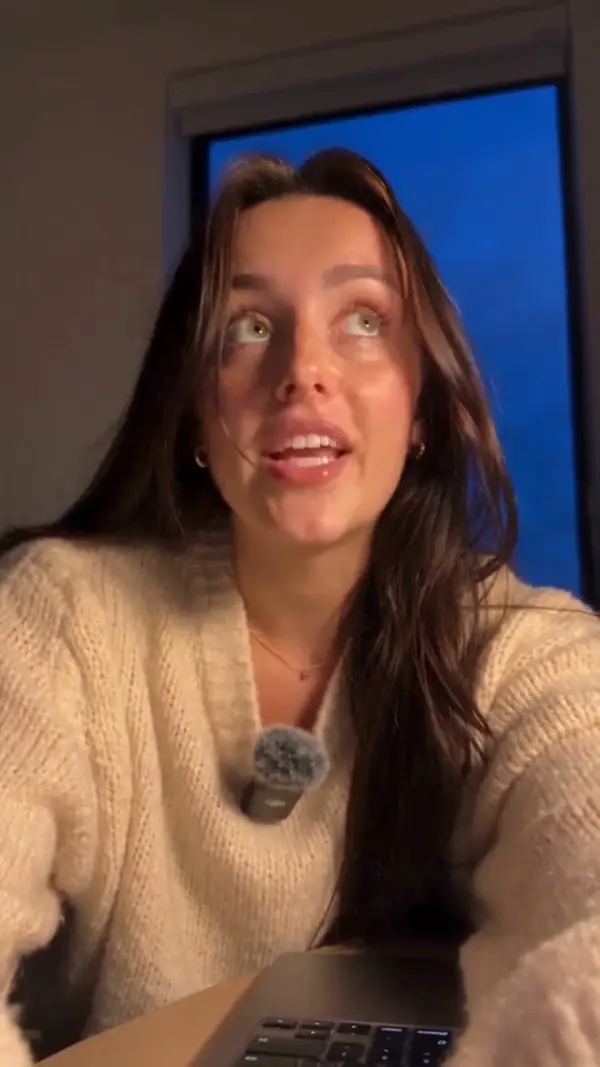
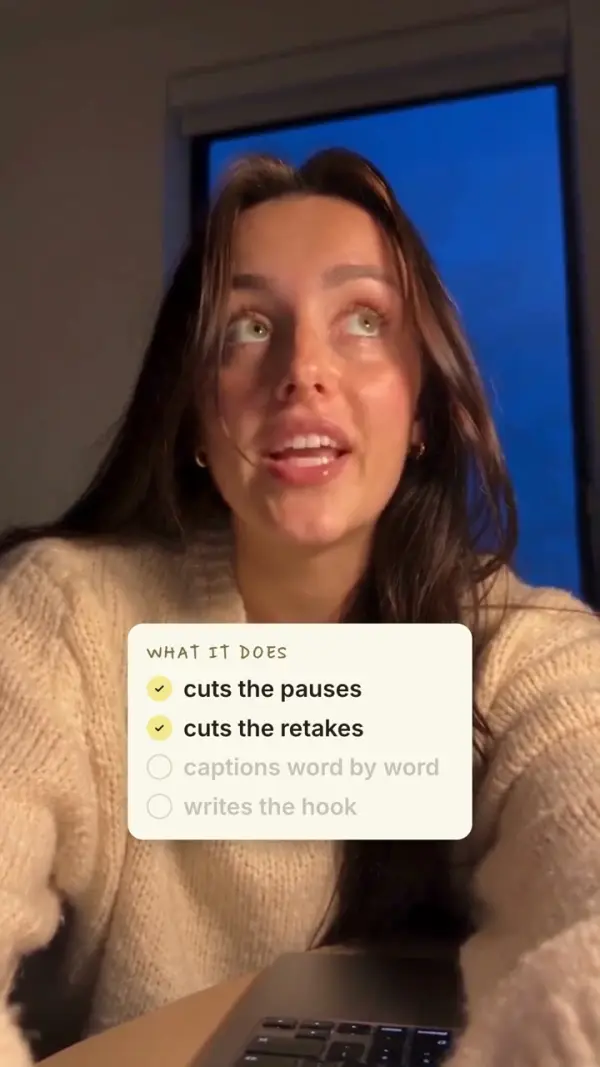
← drag to compare →
What it adds
Everything you'd do by hand.
Captions word by word, the hook, a hand note, cards, punch-in zooms and quiet sound effects, placed off your face.
What it keeps
You, exactly as you are.
No face filters, no fake voice. Your take and your words, just cut tighter.
Use it for four reels and it's paid for.
A beginner editor charges about $25 for one short reel. Four reels and the challenge has paid for itself. Every reel after that is on the house.
$97 once · doors close Tue, Nov 3, 9:00 AM ET
 Your editor, on your computerOne take in, a finished reel out: cuts, captions, hook, notes, cards and sound.$300a month: a beginner editor, 12 reels at $25
 The 7 Day AI Editing ChallengeOne editing skill and one posted reel a day, with me, from day 1.$247a comparable AI challenge for creatorsThe course: 3 videos, 3 stagesSet up, your first reel, make it yours. About 19 minutes, plus written extras.$97a comparable reel-editing course
 66 style packs and their fontsCaptions, hooks, colours and fonts in any look, or your own, saved as the default.$20a month: CapCut Pro is $19.99
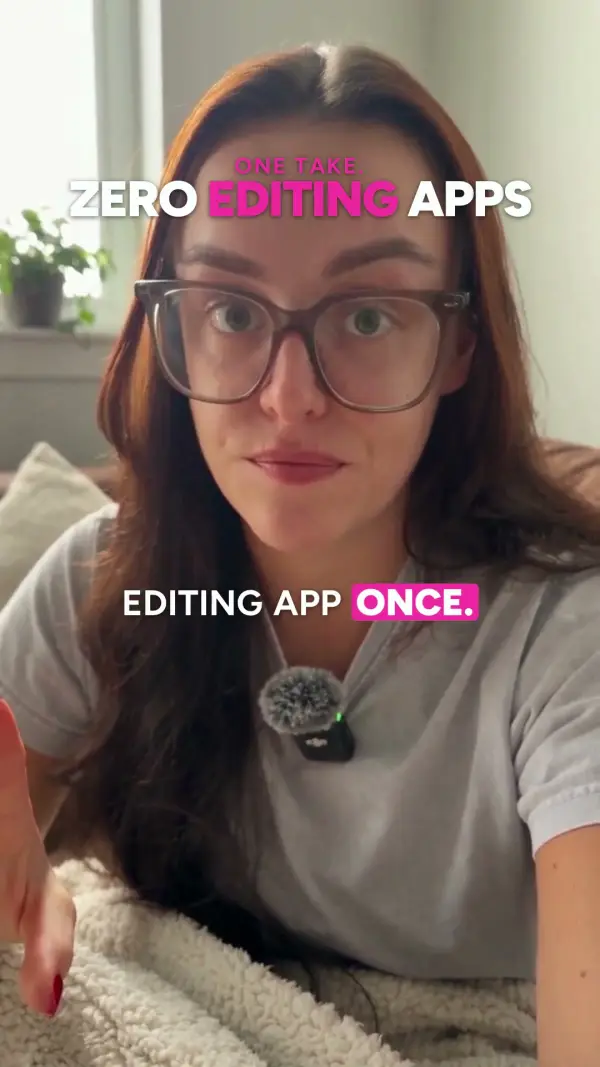
 Word-by-word captions and hooksOne word at a time, the key word in your accent, a hook that builds as you speak.$19a month: a captions app
 Trial reelsThree real re-edits of every reel to test on Instagram, not just a new hook.Included
 B-roll, voiceover and animation reelsReels without filming a talking take: clips, a voice memo, or words only.IncludedThe Carousel + Stories KitEvery reel also becomes a carousel and a story set.$27free until Tuesday at 9am ET
 Every future updateNew features install from inside your AI Editing Lab. Type /update.Included
Typical prices, rounded. Sources: beginner short-form editors charge about $25 a reel and up (Upwork, Ad Snipper and SideStackers 2026 rate guides). CapCut Pro: $19.99 a month in the US (CapCut, Oct 2026). Captions app: Submagic Starter, $19 a month. Challenge and course: public prices of comparable creator programs, Oct 2026. Kit: our own later price.
honestly, four reels and it's paid for.
The honest answers.
Day 1 is Monday, November 9. Doors close Tue, Nov 3, 9:00 AM ET. You get the members area and your AI Editing Lab the moment you join, so you can do the setup before day 1.
The daily lessons are written and ready in the members area at 9am Eastern each day, so you can do them whenever your day allows. Everyone starts on the same date and posts with the same hashtag.
No. You paste prompts we give you and click Allow. Claude does the technical part and explains what it is doing in plain words.
A paid Claude plan (Pro, about $20 a month, paid to Anthropic). Everything else used by the skill is free: ffmpeg and a free transcriber that Claude installs with your OK.
Both. The video course shows a Mac (macOS 13 or newer); Windows 10 and 11 PCs get a written setup guide. Not on a Chromebook, iPad, phone or Windows on Arm: the editing runs on your computer.
No. The skill edits on your computer. Your clips do not go to us or to any video service.
Yes. Transcription works in most languages; say which one when you edit. Claude can also add captions in a second language to the same reel.
Every day stays open. Catch up on the weekend; the check-offs keep your place. The skill and the members area stay yours after the challenge.
Yes. The skill lives on your computer. Use it for every reel you make, for as long as you like.
Yes, free. When your AI Editing Lab improves, type /update inside it. Your look, your packs and everything it learned about you are kept.
Instagram can show a reel to people who don't follow you first. Your skill makes 10 versions of a video with different hooks, so you can test them and keep the one that holds attention best.
All sales are final: it's a digital product you get instantly. This doesn't limit any rights you have under the law or under Link's buyer terms (link.com/terms). Purchases are processed by Link, Stripe's merchant of record. Stuck on setup? Email us and we help you get it running.
The skill is made for talking videos, so the challenge reels are you talking to camera. Hands-only or voiceover clips work too; the captions and cuts are the same.
Help with the setup
Do lesson 1 (set up). If something won't run on your computer, email us and we help you get it running.
All sales are final: it's a digital product you get instantly. This doesn't limit any rights you have under the law or under Link's buyer terms (link.com/terms).
Yours to keep
The skill lives on your computer. Updates are free. The members area stays open after the seven days.
Last 24 hours: doors close Tue, Nov 3, 9:00 AM ET.